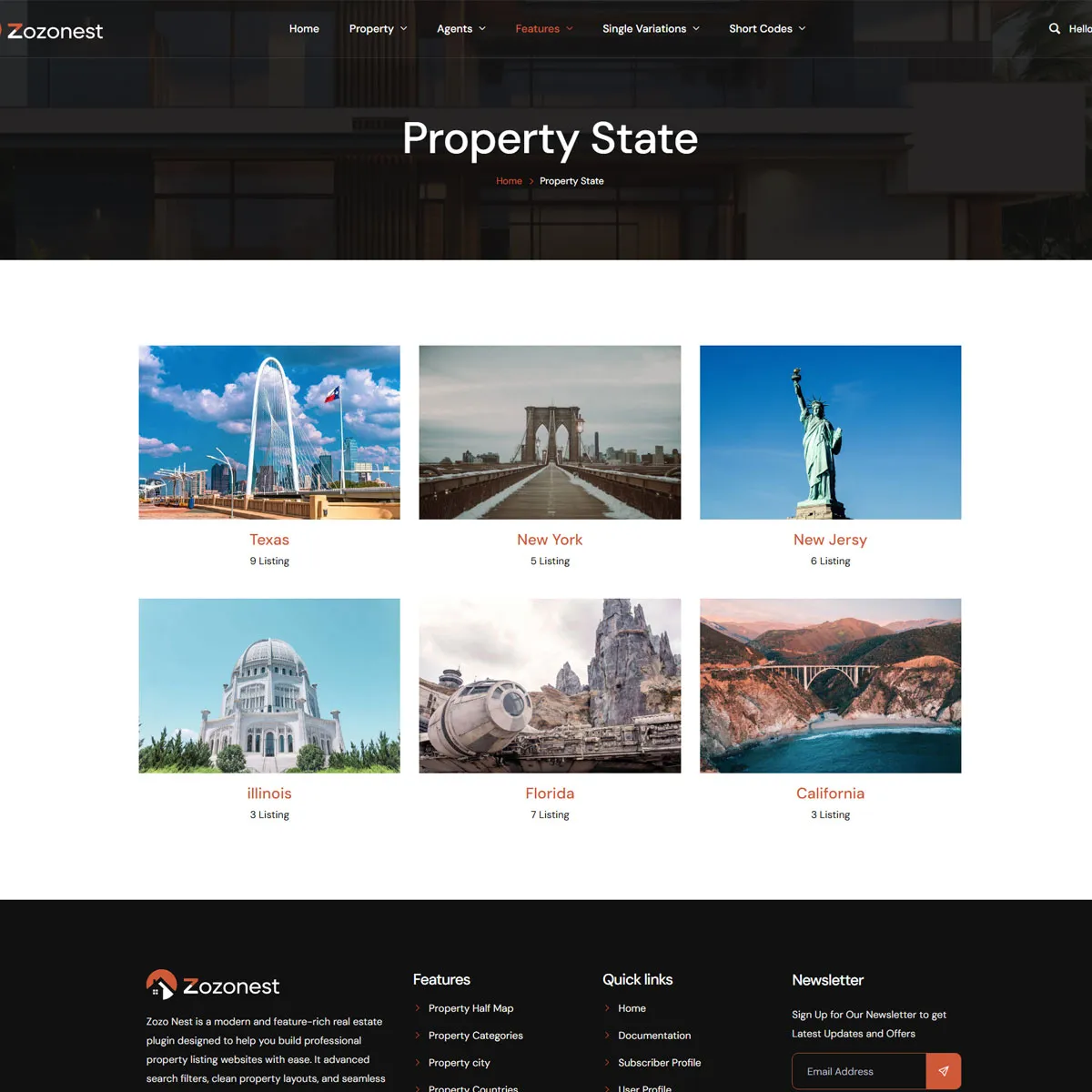
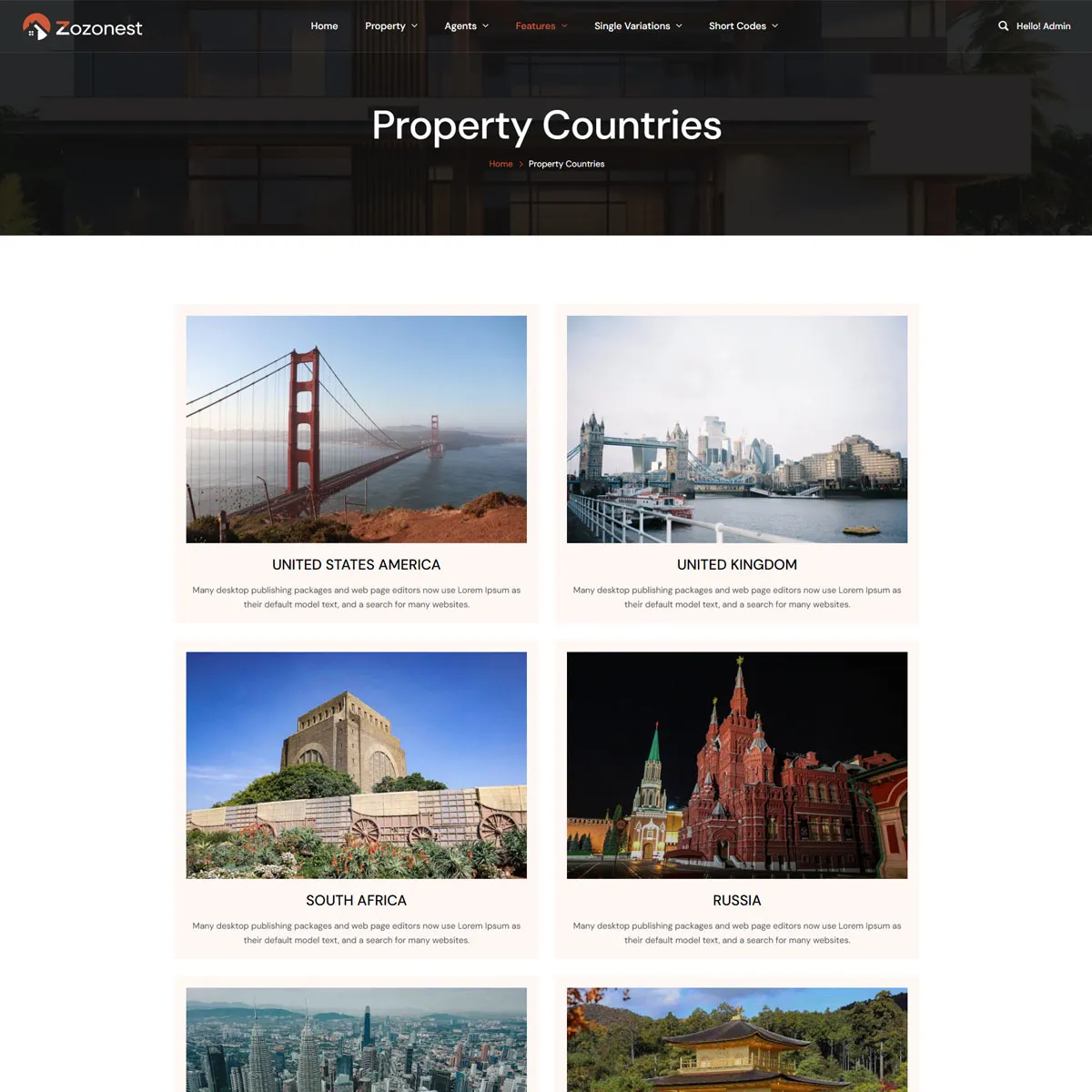
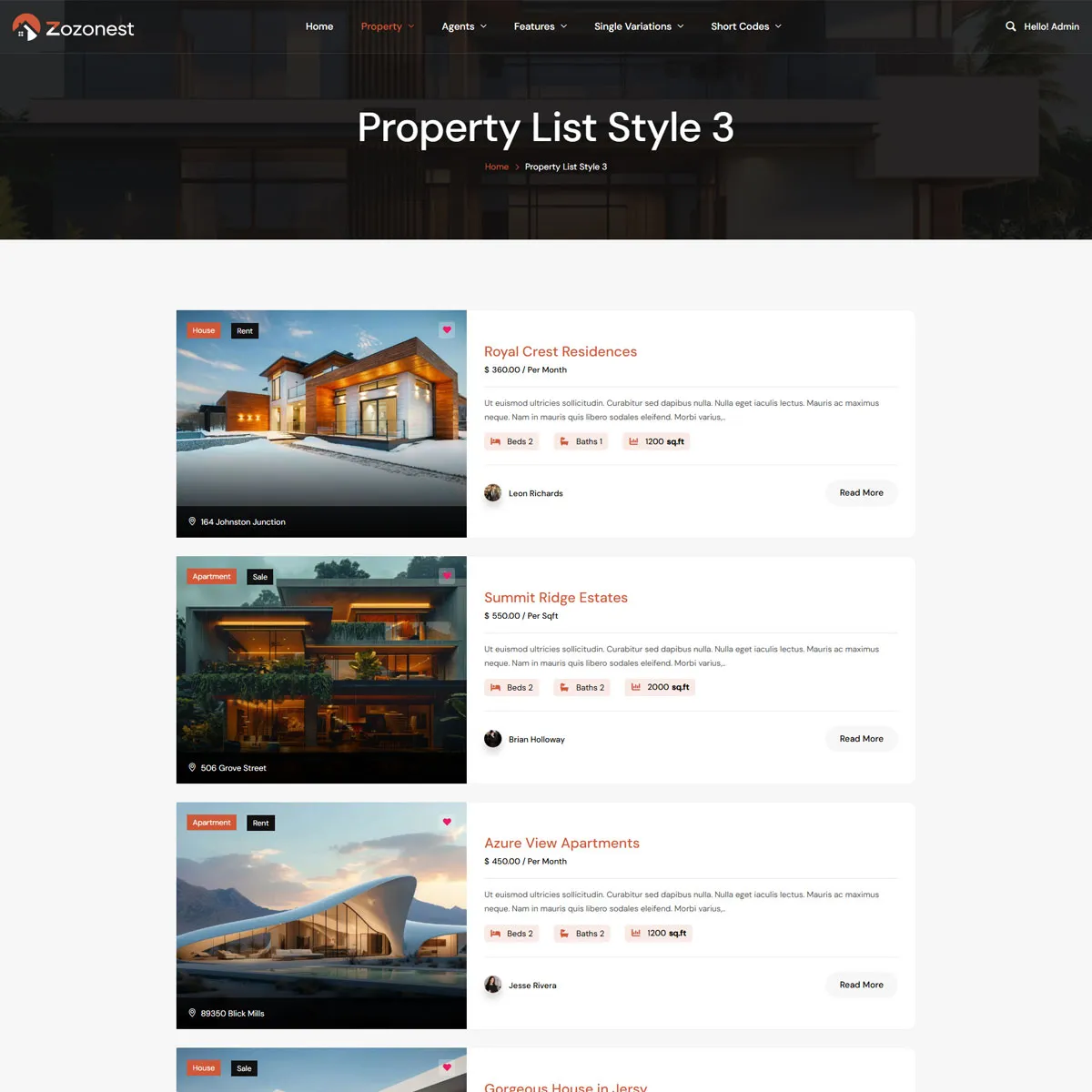


One Platform for Modern Real Estate Businesses

Build Powerful Real Estate
Websites with Zozo Nest

Create modern property listing websites with advanced search, agent profiles, and beautiful layouts using Zozo Nest.
From Listings to Leads – All in One Place

Everything You Need for Real Estate Websites

Zozo Nest is a modern real estate plugin that helps you build professional property listing websites with ease. It includes advanced search filters, clean layouts, and powerful tools for agents and property management.
User Profiles
Manage Properties
Submit Properties
Manage Agents
Powering Modern Real Estate

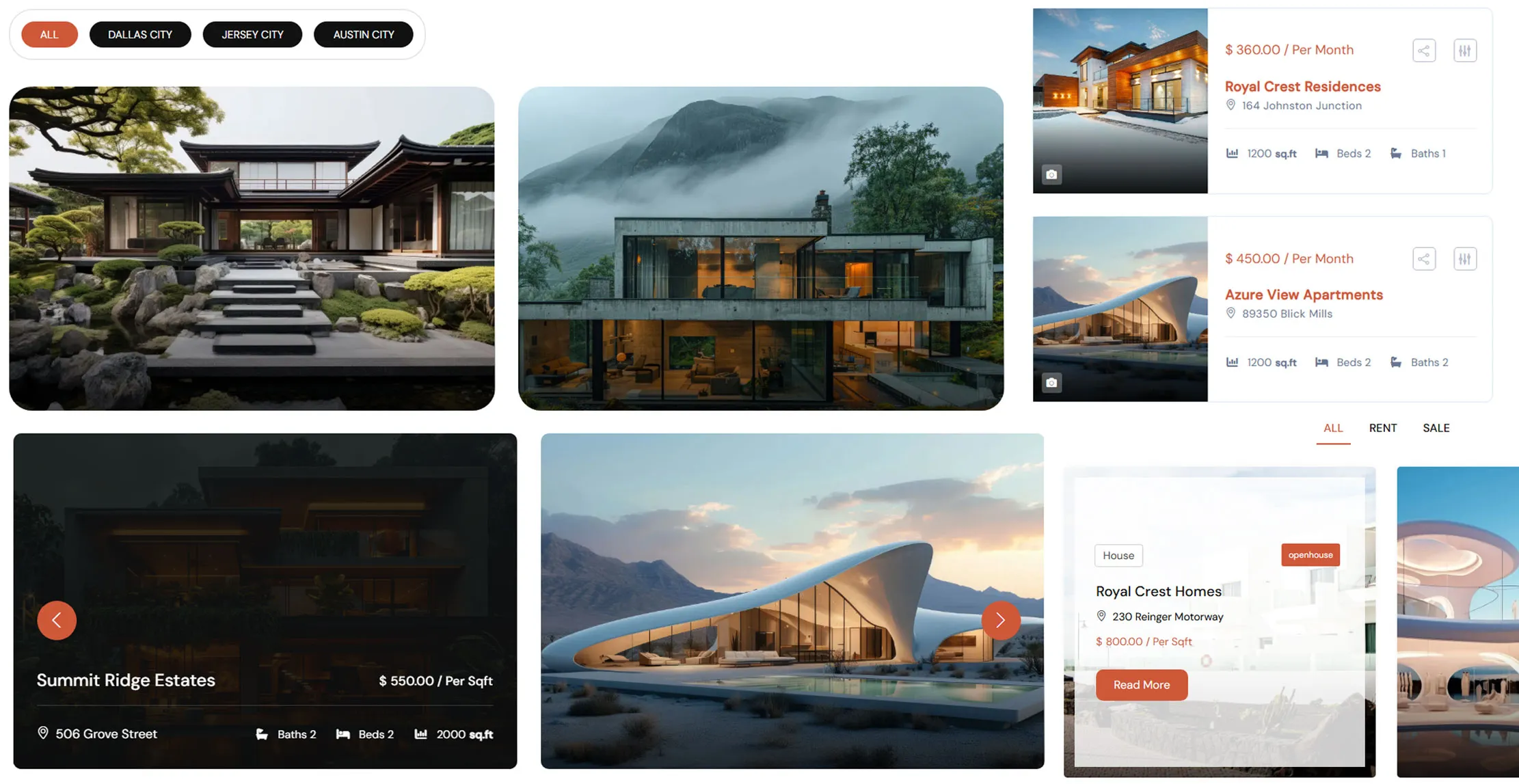
Smart Property Modules

Smart Property Modules combine intelligent features and flexible controls to create a seamless property management experience.

One Platform Endless Property Possibilities

Complete Real Estate Features

Feature-rich real estate tools that help you showcase properties better and close deals faster. Everything you need to attract a buyers.
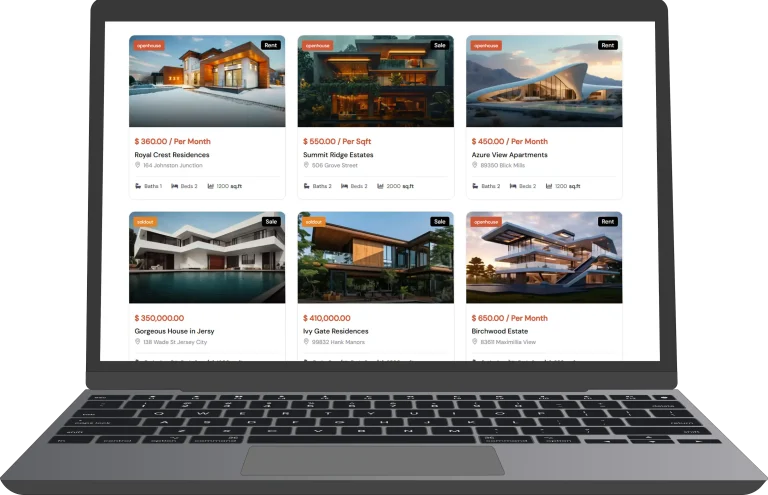
Modern Property Layouts
dashboard

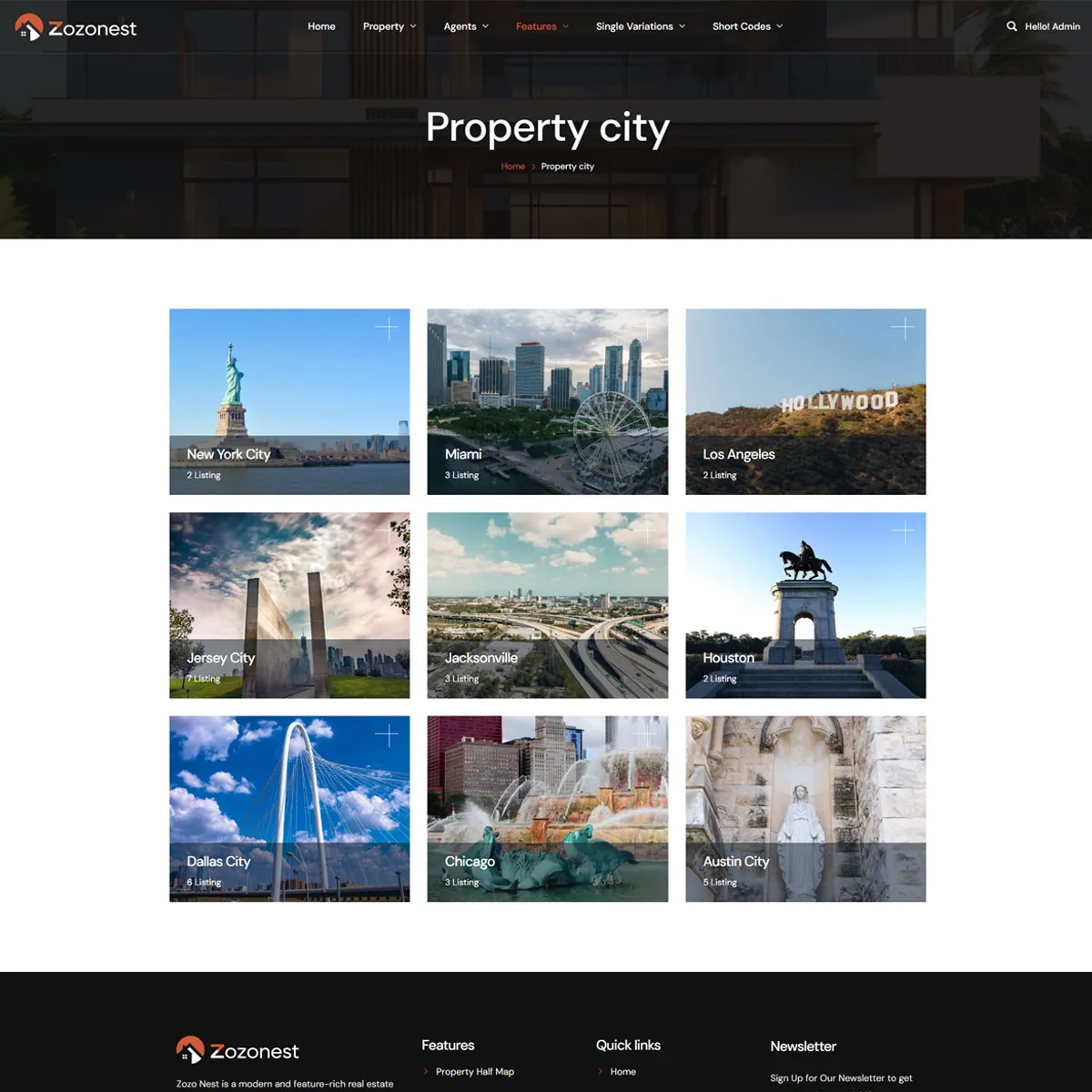
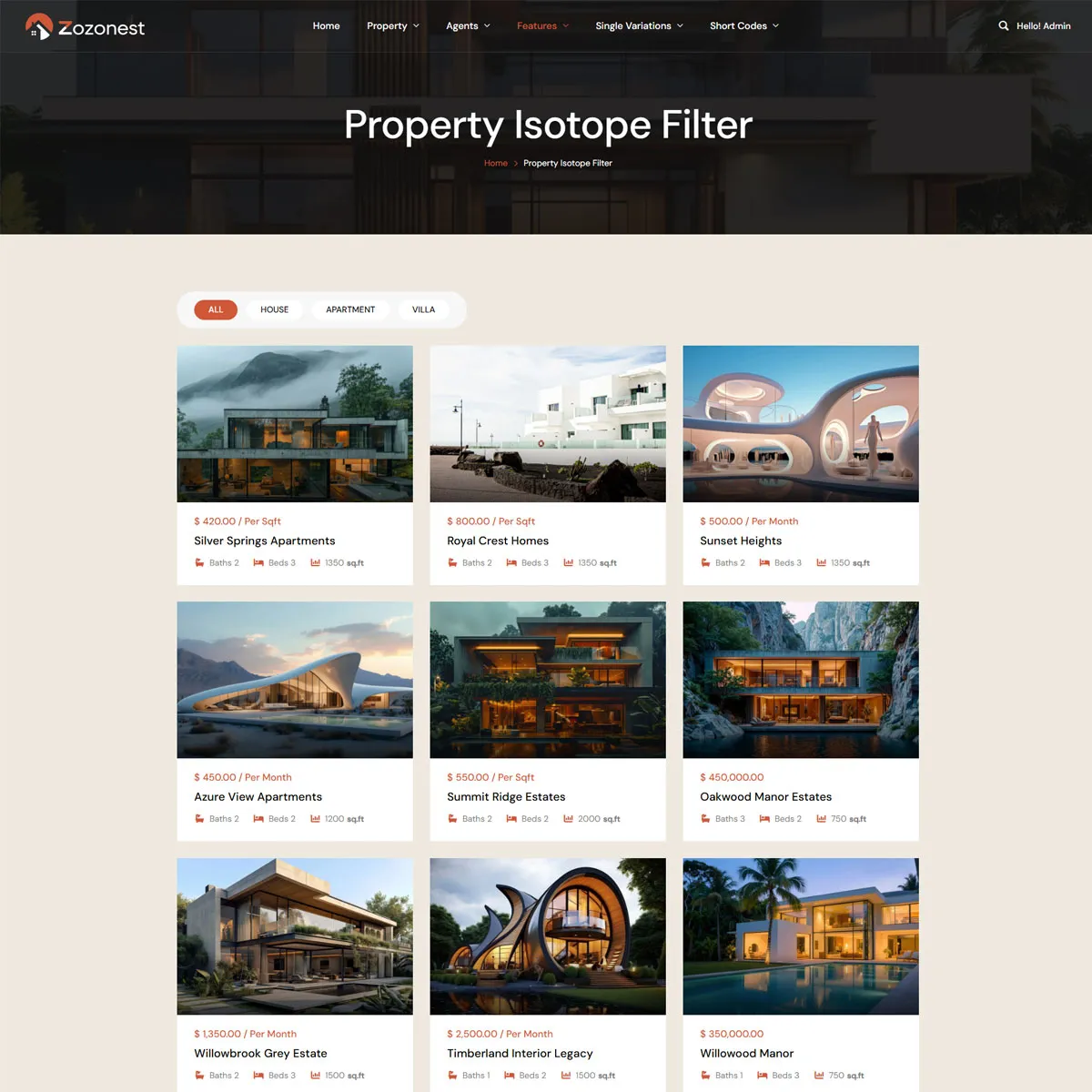
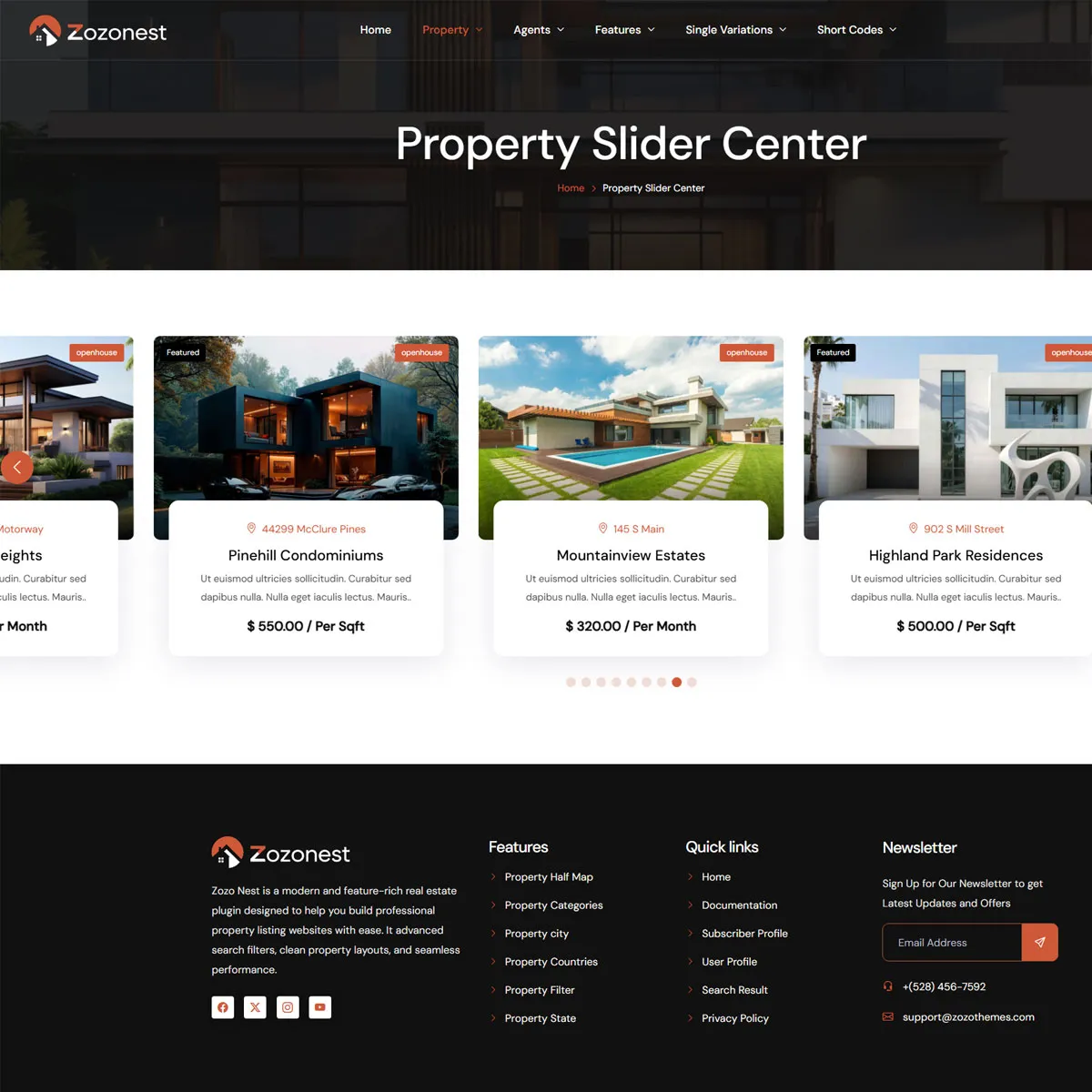
Display property listings in clean and modern grid and list layouts.

Advanced Search options
house

Easily find properties using filters like price, location, and amenities.

Easy Drag-and-Drop Builder
drag-and-drop (1)

Design and customize your pages visually with the Elementor builder.

User Dashboard
dashboard-1

Allow users and agents to manage their listings easily.

Map Integration
placeholder

Show property locations with interactive maps.

Responsive Design
responsive

Ensure your website looks perfect on all devices.

Property Management
lifecycle

Easily add, edit, and manage property listings from your dashboard.

SEO Optimized
package

Improve your website visibility and rank higher in search results.

Universel Theme Compatibility
qr-code

Seamlessly works with most modern WordPress themes.

Enhanced layout and modern visual styling

Modern Property Page Customization

Create powerful and flexible property detail pages with full layout control.

Page Interface Design

Complete redesign and styling of the property page to improve layout, structure, and visual appeal. Color schemes are adjusted to match your brand identity.

drag-and-drop (1)

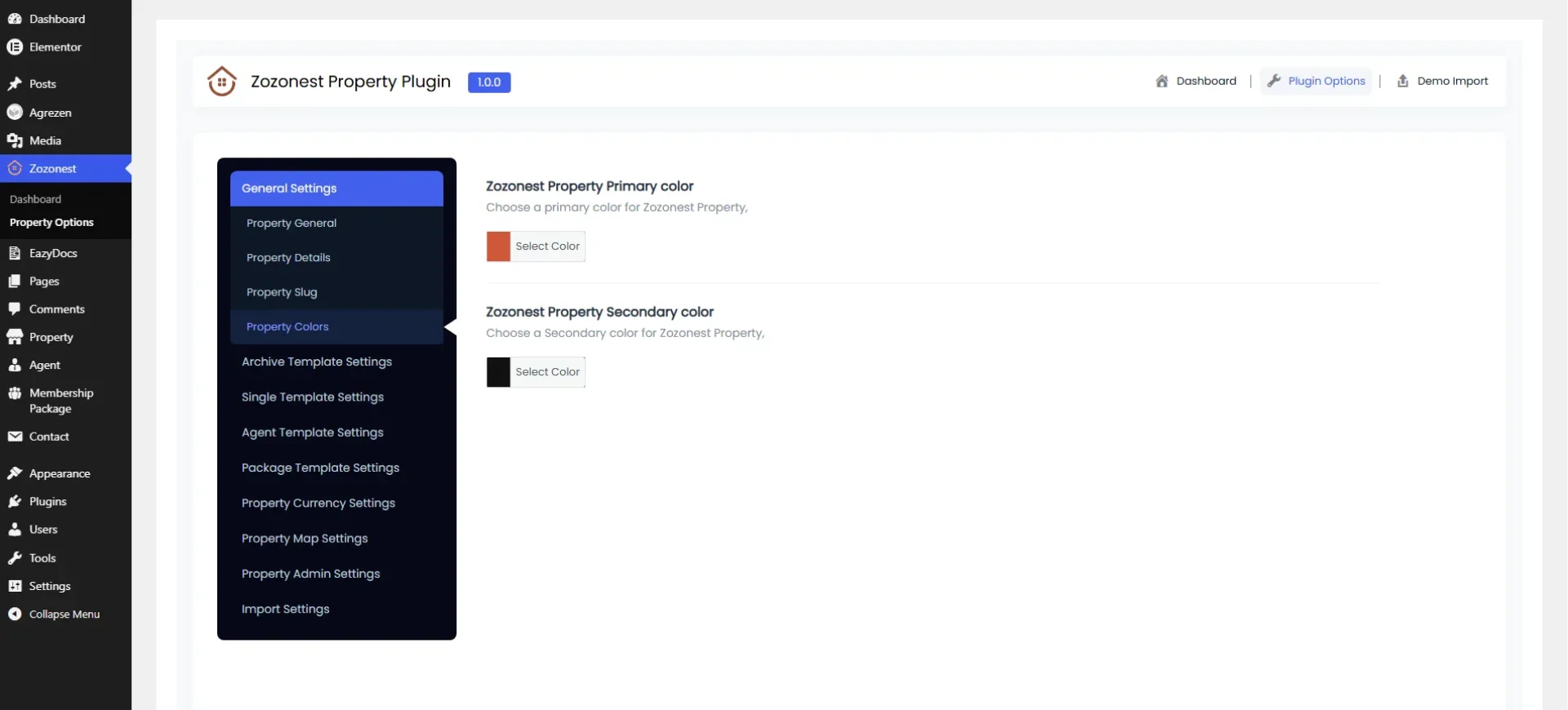
Color Scheme Customization

Strategic modification of the website’s color palette to align with brand identity enhance visual consistency. improve readability, accessibility, and overall user experience.

color-panel
Manage everything in just a few clicks

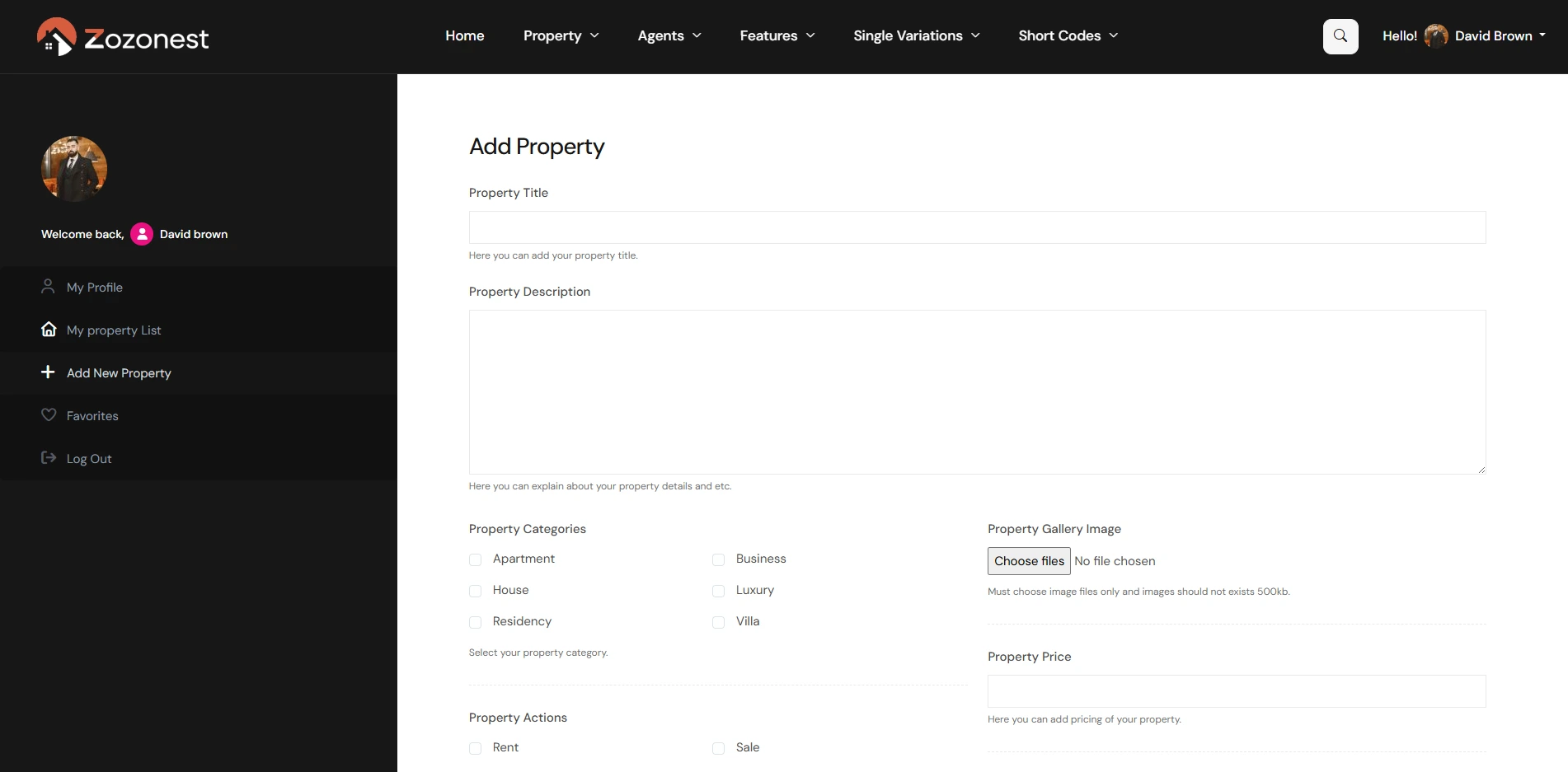
Interactive User Property Dashboard

Easily manage, edit, and monitor all your property listings from one centralized control panel. Track inquiries, update details, and stay in full control.
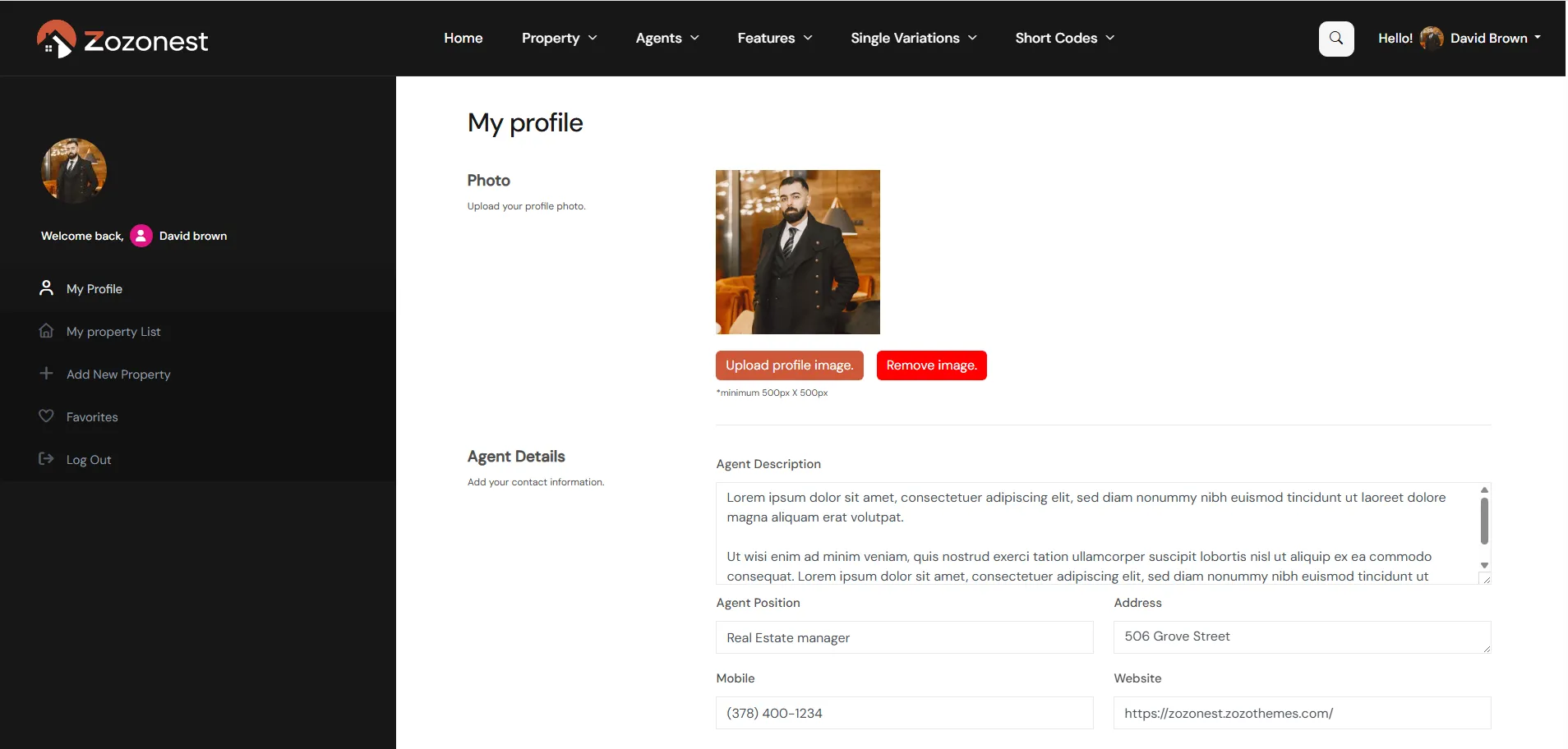
In the My Profile section, you can add or update your agent image, description, personal details, experience, languages, and social media links. You can also change your account password from the same section.
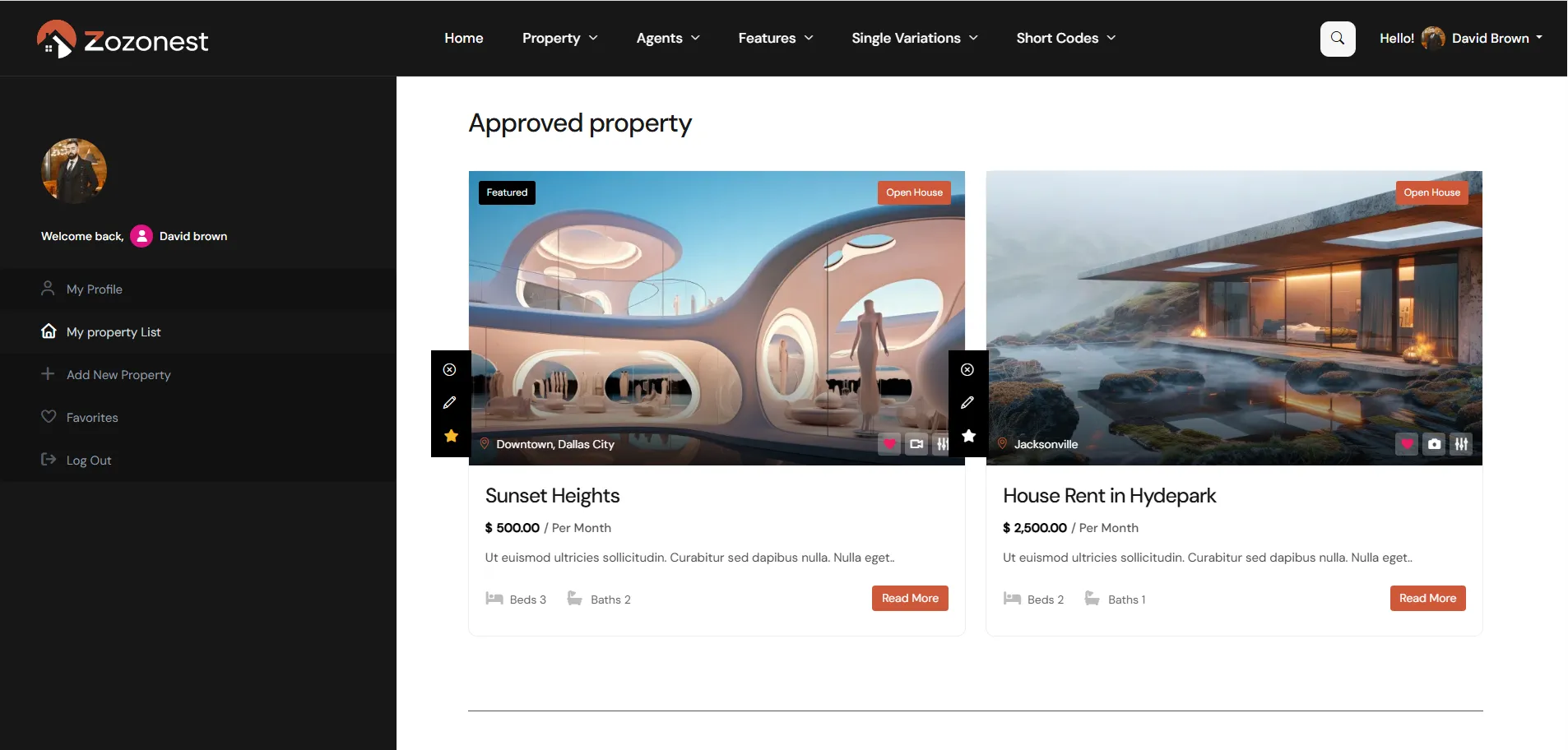
Here, you can view all the properties you have added. You can also check them separately based on their status, such as Approved Properties and Unapproved Properties.

In the Add New Property section, you can create a new property listing. You can enter all the necessary details such as property information, features, floor plans, price, property size, number of rooms, and additional plans. You can also specify the property location, including country, state, city, and area.

In the Favorites section, you can view all the properties that you have liked or saved. This allows you to easily access your preferred listings anytime.
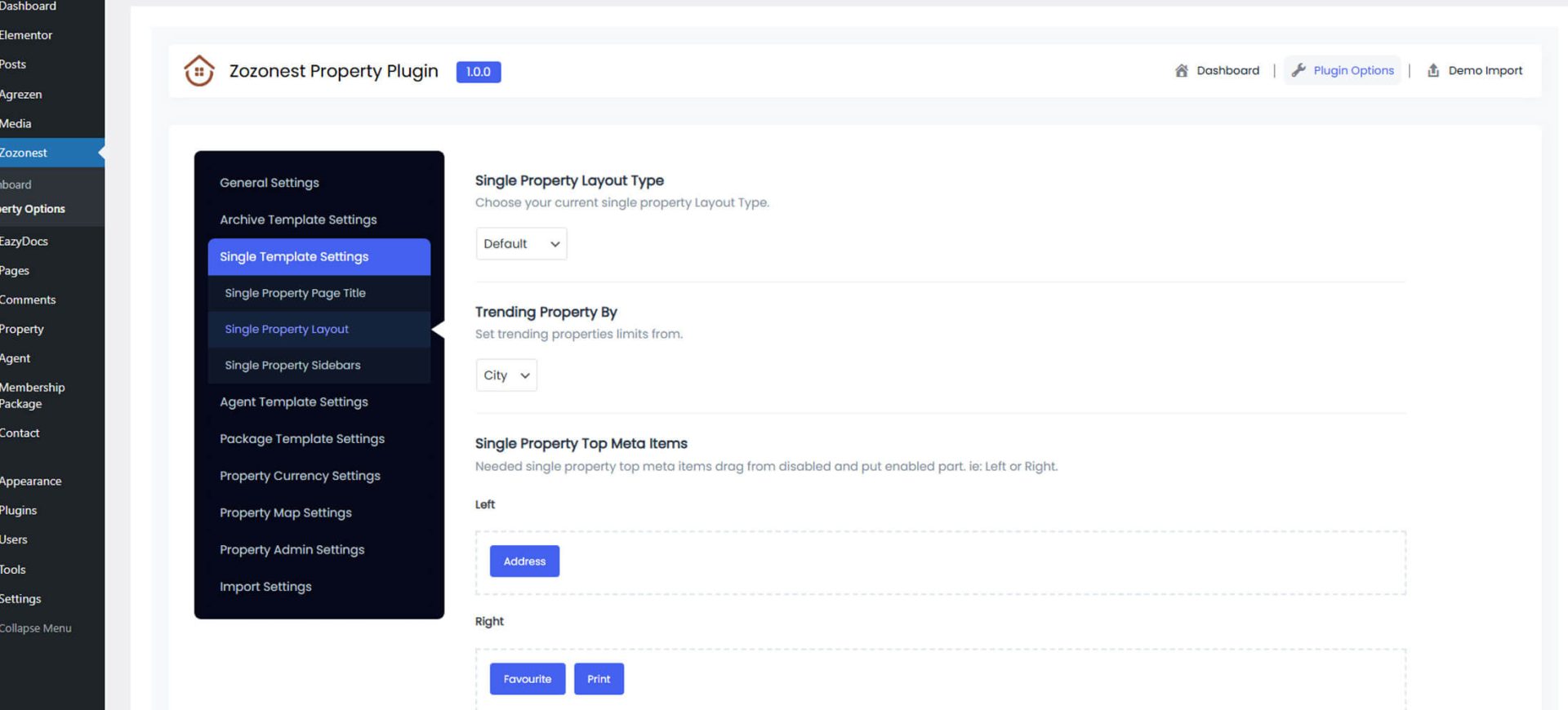
Customize property information visibility

Individual Property Display Controls

Control every section of your property page with ease. Enable or disable elements using flexible display options.
title (1)

Property Title

Displays the property name clearly to give visitors an instant overview.

gallery

Property Image

Showcases high-quality images of the property in a clean layout.

house

Description

Provides detailed information about the property and its key highlights.

location

Address

Displays the full location details of the property clearly.

product-details

Property Details

Shows important information such as price, area, bedrooms, and bathrooms.

features

Features

Highlights the key amenities and special features of the property.

video-lesson

Video

Allows you to showcase the property through an engaging video tour.

map

Property Map

Displays the property location using an interactive map view.

plan (1)

Floor Plans

Shows detailed floor layouts of the property for better understanding.

compass (1)

Street View

Provides a street-level view of the property’s surroundings.

gallery (2)

Gallery

Displays a collection of property images in an interactive gallery.

home

Similar Properties

Shows related listings that match the current property’s features.
Powerful Features Designed for Serious Agents

Smart Membership Options

Choose flexible plans designed to suit agents, agencies, and property owners at every stage of growth.
membership

Paid or Free Memberships

Create flexible membership tiers with custom pricing and listing limits.

payment-method

Payment Gateways

Accept secure online payments for bookings, deposits, and property transactions.

cube

Create Packages

Design custom listing packages with pricing, limits, and featured options.

stripe (1)

Stripe Integration

Accept secure payments directly through your website with Stripe support.

paypal

PayPal Integration

Allow users to make secure payments easily using PayPal.

share

Social Media Share

Let users share property listings instantly across popular social media platforms.

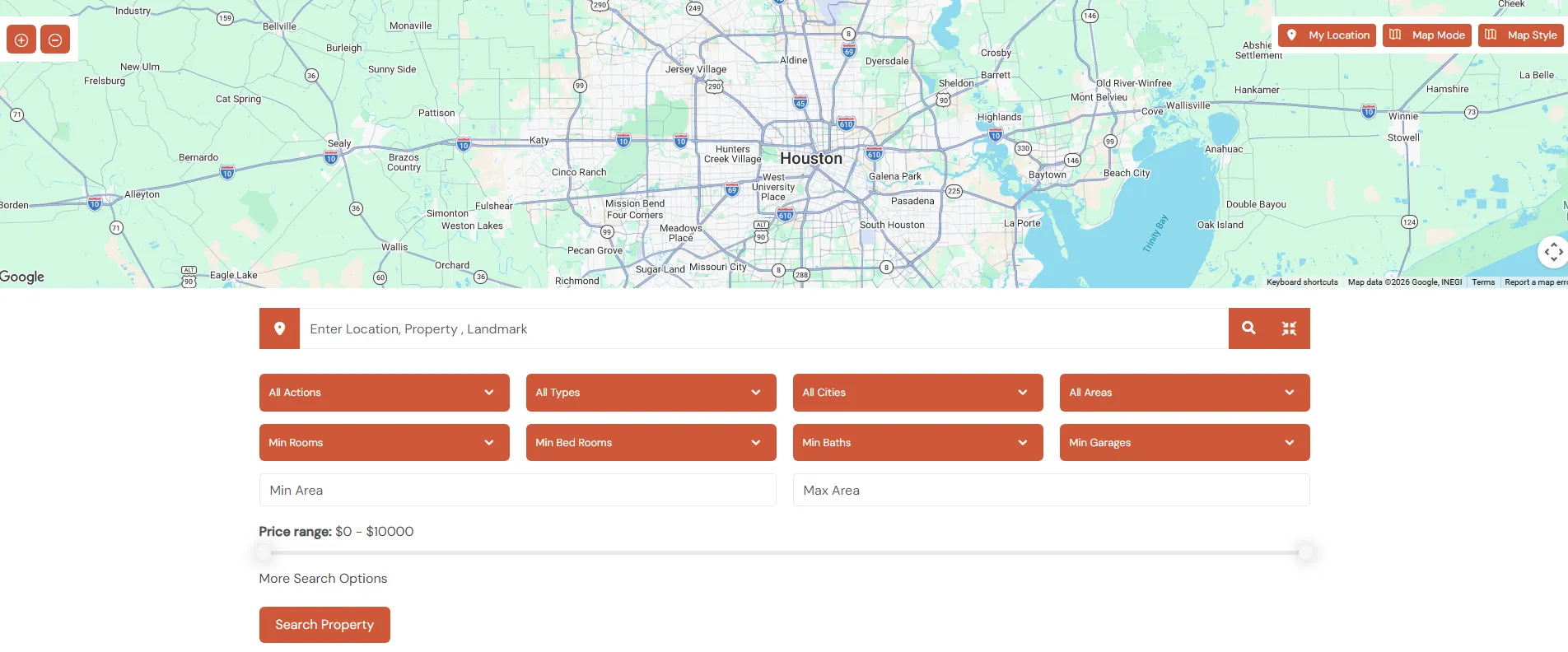
Find properties easily with interactive map filters

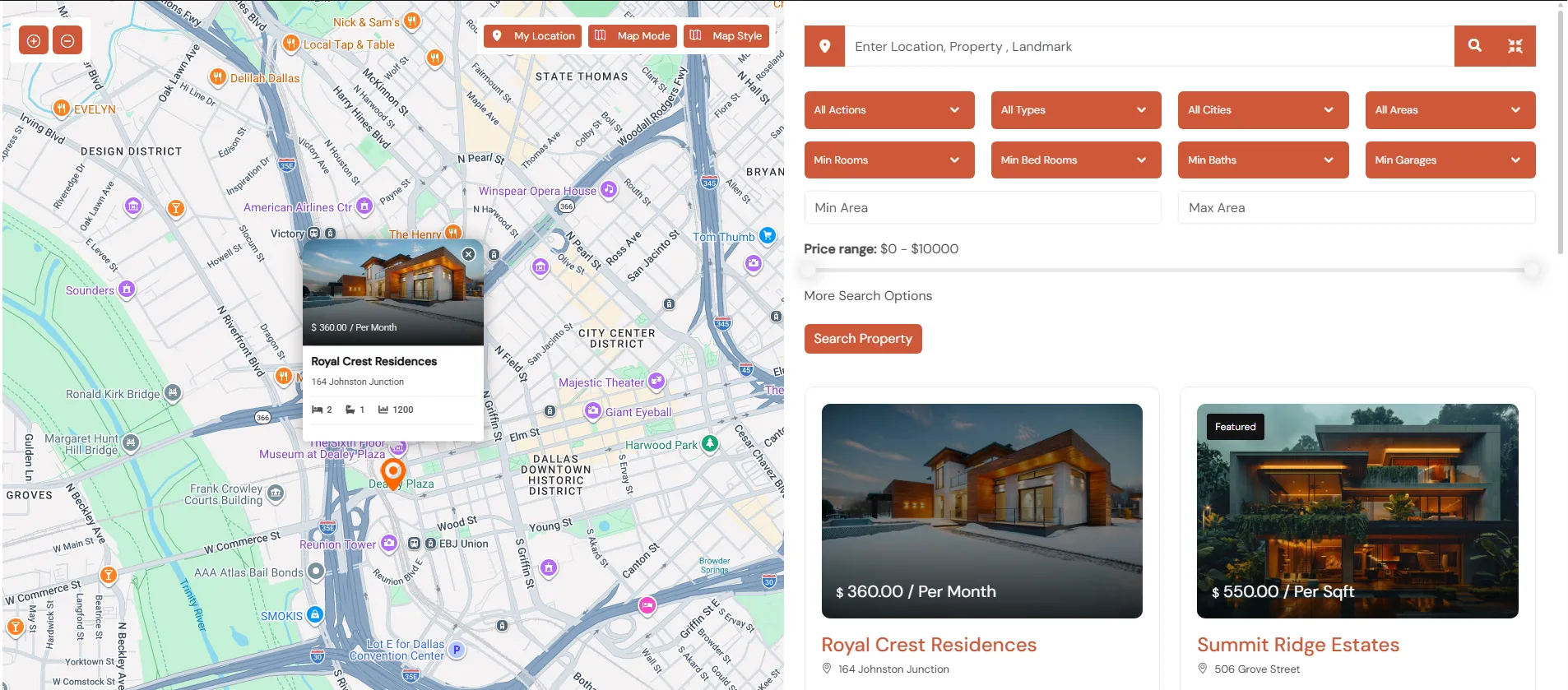
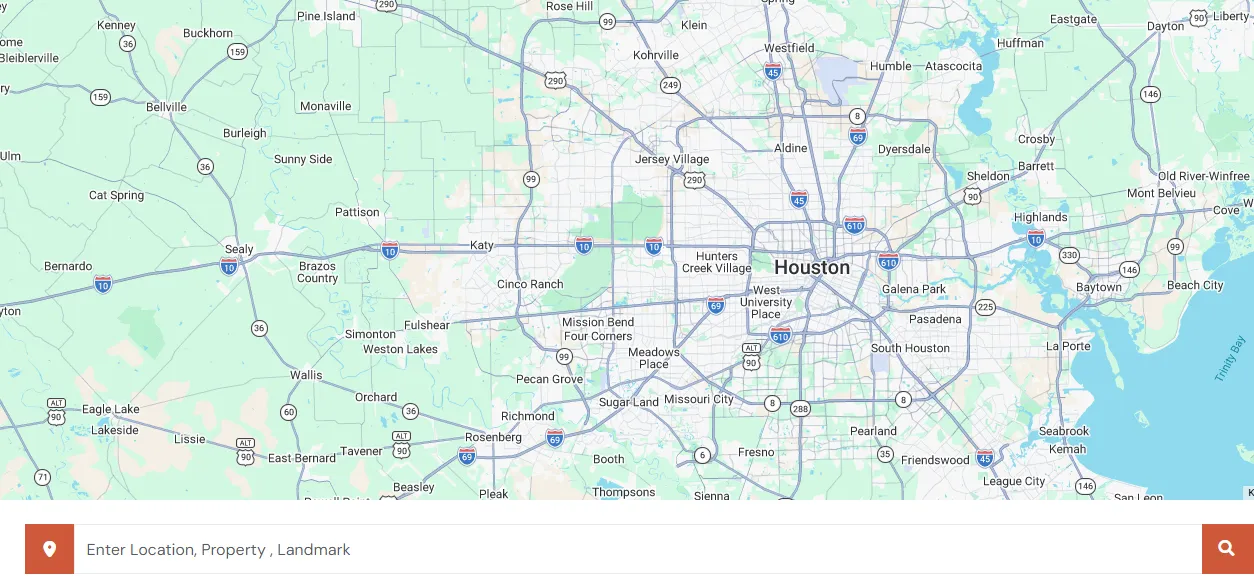
Advanced Google Map Search Experience

Easily explore properties with a powerful, interactive map interface designed for modern home buyers. Filter listings by location, price, features while viewing real-time updates directly the map. A smarter and faster way to discover properties with geo-based search tools.

proeprty-search
Real-Time Search Refinement

Enhanced Property Search Tools

Provide instant result updates as users adjust filters, creating a smooth and interactive property discovery process.

Easily refine results using multiple filters such as location, price range, property type, and amenities. Combine keyword search with advanced criteria to find exactly what you’re looking for faster. Deliver a seamless and efficient browsing experience with accurate, real-time search results.
search-options-01

Utilize advanced geolocation technology to automatically detect user location for personalized and relevant search results. Enable accurate property discovery based on proximity, neighborhoods, and regional preferences. Enhance the browsing experience with location-aware filtering and map-based.

geo-location-1
From Doubt to Decision — We Guide You

Expert Answers for Smart Buyers

Get clear, reliable insights to help you make confident property decisions. Our real estate experts provide trusted guidance in every step.
What is Zozo Nest?

Zozo Nest is a powerful real estate plugin that helps you create professional property listing websites with advanced search, customizable layouts, and seamless performance.

Zozo Nest is fully compatible with Elementor for easy drag-and-drop customization. Some core features may work independently, but Elementor is recommended for full design flexibility.

Yes, Zozo Nest includes advanced search filters such as location, price range, property type, status, amenities, and more to help users find properties quickly.

Absolutely. Zozo Nest is built with clean code and optimized structure to ensure better search engine visibility and fast-loading property pages.

Yes, you can fully customize the single property layout, including gallery styles, property details, agent information, and contact forms.

Expand Your Payment Capabilities

Multi-Gateway Payment Support

Integrate multiple payment gateways to offer customers convenient options while maintaining high security and performance standards.

Find Your Dream Property Today

Launch Your Real Estate
Website in Minutes

Easily create and manage property listings with a modern, flexible, and user-friendly real estate plugin.
Helping You Make the Right Move

Professional Help & Guidance

Access detailed documentation and reliable support to help you build and manage your real estate website effortlessly.

Knowledge Base

Detailed guides, setup instructions, and feature explanations.

Elite Support

Premium assistance designed to resolve your queries quickly.

Forgot Password

Register